Retail and consumer goods teams have never had more channels demanding short-form video, and they have never had less time to produce it. Social feeds, retail media networks, digital endcaps, and product detail pages all perform better with motion, yet traditional video shoots simply do not scale across thousands of seasonal SKUs.
Generative AI promised an easy button, until retail teams actually tried putting real products into motion. Anyone who has tested raw text-to-video or image-to-video prompts on packaged goods knows the pain: brand logos melt into unreadable scribbles, shoe silhouettes morph mid-step, glass bottles defy basic physics, and a five-second clip suddenly looks like a surrealist painting. Even when a clip looks great, teams are left guessing which model to use, how much a batch run will cost, and who has time to manually sift through dozens of unusable renders.
To solve this, I built SKU to Scene, an open-source reference architecture that transforms a static product catalog asset into a screened, production-ready short video concept while keeping a human firmly in the final approval loop.
Starting with What Retail Teams Already Have#
Merchandising and creative teams already maintain rich Product Information Management (PIM) catalogs filled with approved studio photography and structured product briefs. SKU to Scene meets teams right where they are by starting with just two inputs:
- A Product SKU Asset: Either an approved static catalog image or a structured text brief containing product attributes, packaging details, and brand constraints.
- A Merchandising Goal: The campaign intent, target channel, mood, or promotional angle (such as a summer beverage refresh, an athletic footwear launch, or a clean countertop appliance demo).
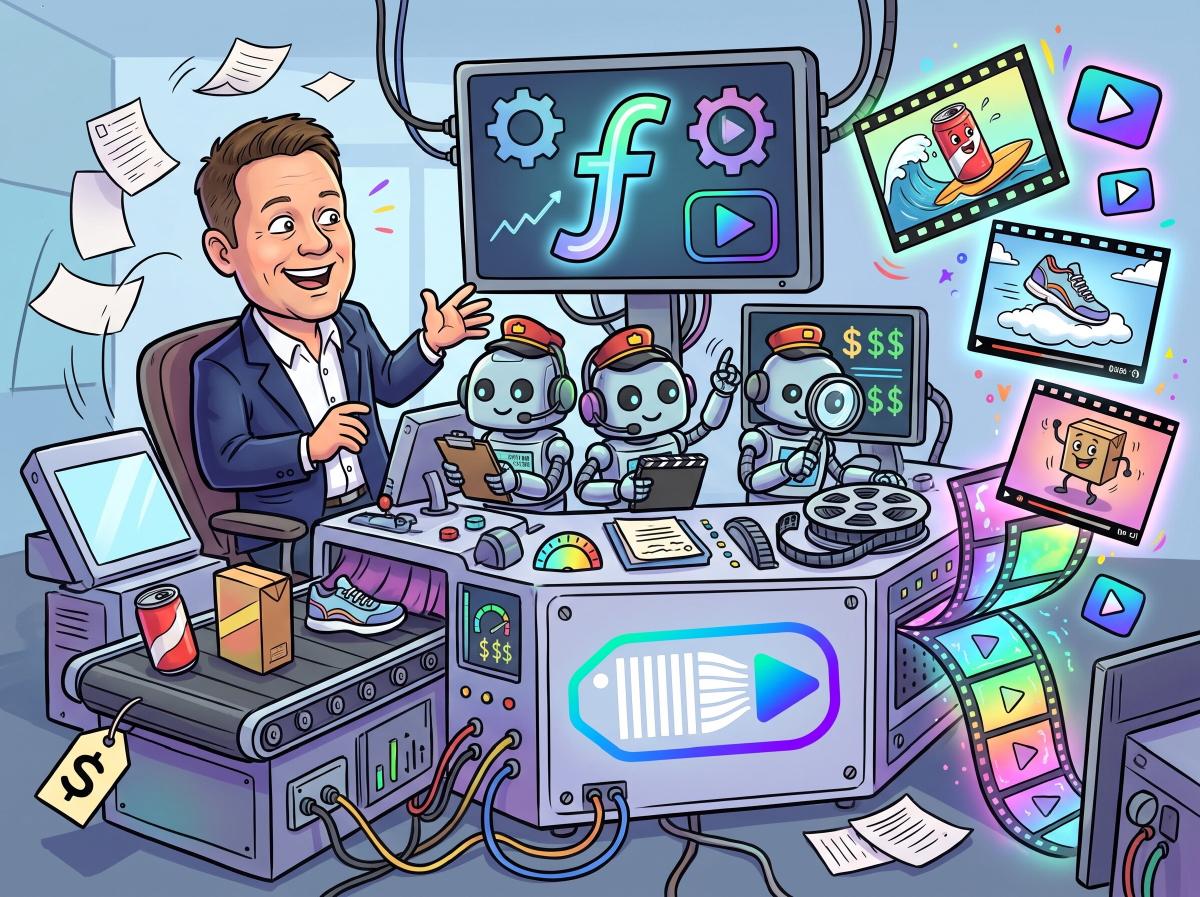
Rather than relying on one monolithic prompt to do everything at once, SKU to Scene splits the creative supply chain across three specialized GitHub Copilot agents integrated with fal video generation models in Microsoft Foundry.
Inside the Three-Agent Creative Supply Chain#
1. The Creative Director Agent#
Great product video starts with intentional visual direction, not buzzwords. The first agent analyzes the SKU asset and merchandising goal to author a structured scene plan. It defines camera movement, lighting behavior, background environment, and subject framing, locking in explicit constraints around product geometry and label placement so the generative model knows what must remain untouched.
2. The Model Router and Cost Estimator Agent#
Not every shot requires the heaviest, most expensive video model. Using fal models hosted in Microsoft Foundry, such as Kling, LTX, and MiniMax, the second agent evaluates the motion complexity, fidelity requirements, and turnaround needs of the scene plan. It selects the best-fit model for that specific shot and calculates an upfront cost estimate before a single frame is rendered. Merchandising teams get predictable unit economics rather than surprise cloud bills.
3. The Quality and Brand Guardrail Agent#
Before a human creative director or brand manager ever reviews a clip, the third agent acts as an automated quality gate. It inspects the generated video output against the original SKU reference, screening for:
- Logo and Typography Integrity: Catching warped brand marks, misspelled packaging text, or distorted label proportions.
- Product Fidelity: Verifying that colors, silhouettes, textures, and physical components match the approved catalog asset.
- Physical Realism: Flagging unnatural motion, floating objects, or lighting artifacts that break viewer trust.
If a clip fails screening, the system captures why and can refine the parameters before surfacing a candidate for human sign-off.
Keeping Humans in the Loop Where It Counts#
The goal of SKU to Scene is not to replace creative directors or brand marketers. It is to eliminate the blank-page bottleneck and filter out the 80% of generative trial-and-error that wastes creative hours. By the time a person opens the review queue, they are looking at a concept that already aligns with the merchandising brief, fits the budget, and passed automated brand-safety checks.
Explore the Code and Microsoft Reference Architecture#
You can clone the repository, inspect the agent definitions, and run the workflow yourself on GitHub:
- SKU to Scene GitHub Repository: https://github.com/swigerb/sku-to-scene
To dive deeper into running fal video models and building multimodal agent workflows on Microsoft Foundry, check out these official Microsoft resources (alongside the additional sources linked in the repository README):