
If you’re building AI agents at any real scale, you’ve probably hit the tool management wall. Every agent needs its own tools, its own credentials, and its own integration code. Multiply that across a team or organization, and you’ve got a mess of duplicated work, inconsistent governance, and fragile deployments.
Microsoft just announced Foundry Toolboxes in public preview, and it’s a clean answer to this problem.
What is a Toolbox?#
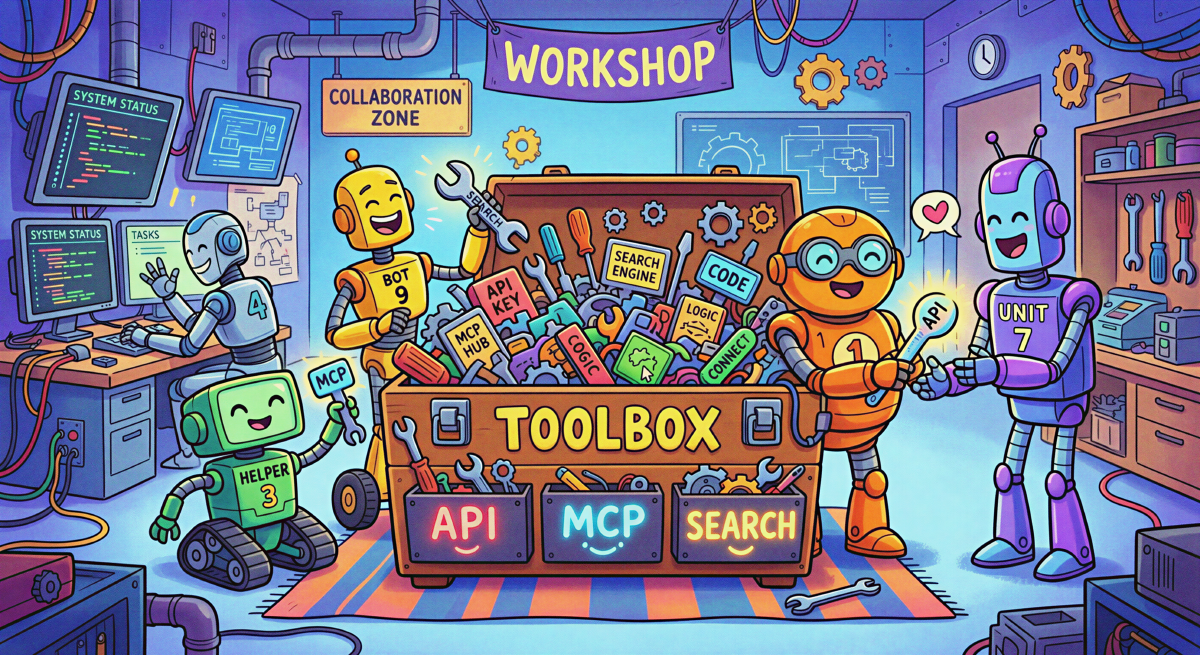
A Toolbox is a named, reusable bundle of tools managed in Azure AI Foundry. You select your tools, configure authentication centrally, and publish the toolbox as a shared asset. Any agent can then consume the entire bundle through a single, unified MCP-compatible endpoint.
No more per-tool wiring. No more duplicated credentials. One endpoint, all your tools.
What Tools Can You Include?#
Today, Toolboxes support:
- Built-in tools: Web Search, Code Interpreter, File Search, Azure AI Search
- Open protocols: Model Context Protocol (MCP), Agent-to-Agent (A2A), OpenAPI
Authentication is handled centrally using OAuth identity passthrough and Microsoft Entra managed identity, so individual agents never touch credentials directly.
Framework-Agnostic by Design#
A key design decision: Toolboxes are Foundry-homed, not Foundry-bound. They’re created and governed in Foundry, but the consumption surface is open. Any agent runtime that supports MCP can use a toolbox, including:
- Microsoft Agent Framework and LangGraph agents
- GitHub Copilot and other MCP-enabled coding agents
- Your own custom agent code
Getting Started#
The workflow is straightforward:
- Set up your Foundry project client with
AIProjectClient - Build a toolbox by selecting tools and configuring auth
- Consume - attach the toolbox endpoint to any agent
- Promote a tested version as the default for production
When you promote a new version later, consumers don’t need to change their code at all.
What’s Coming Next#
The public preview focuses on Build and Consume. Two more pillars are on the roadmap:
- Discover - find approved tools without browsing catalogs manually
- Govern - centralized observability and security controls across all tool calls